Built for macOS, now open source

Capture everything.
Keep it private.

Capture screenshots, annotate ideas, record your screen, extract text, summarize meetings, and find everything later—entirely on your Mac.
Free & open sourcemacOS 14+MIT licensed100% on-device
Snappilot
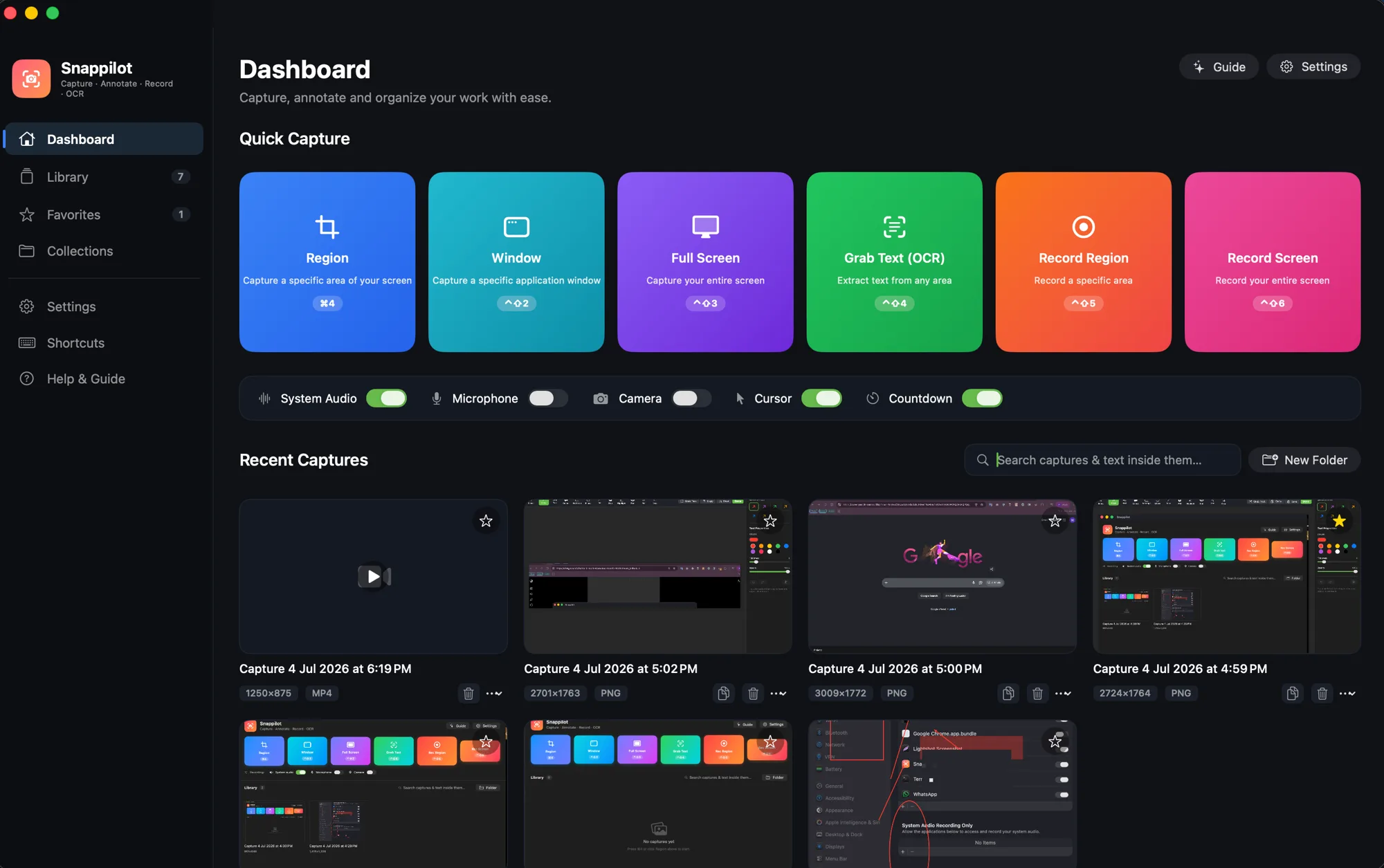
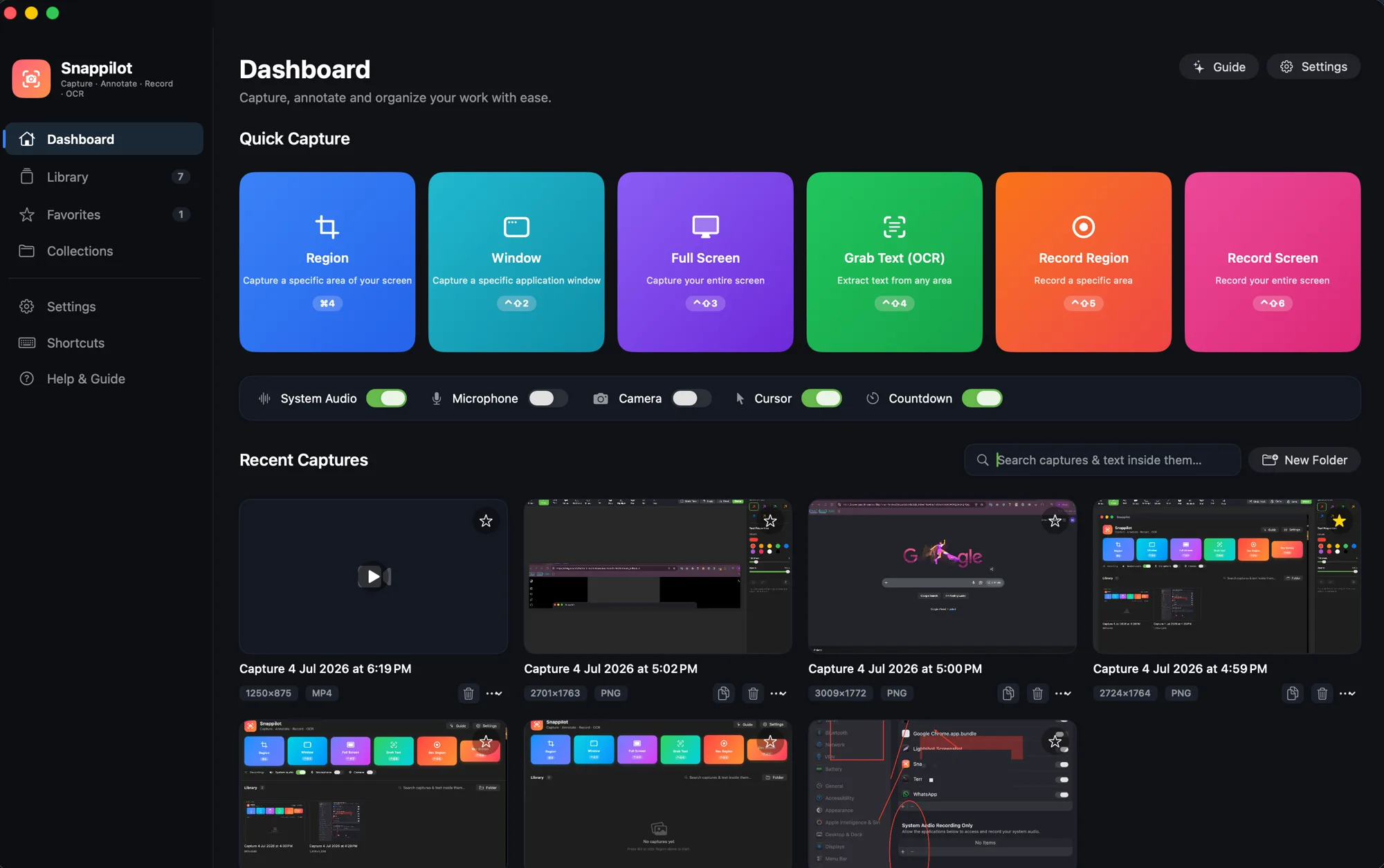
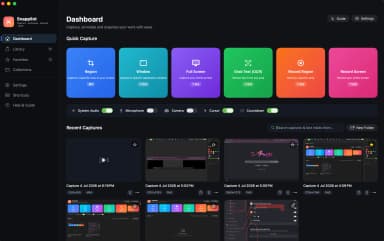
Snappilot dashboard showing the local capture library
Region captured1440 × 932
Saved locallyNever uploaded
00:14
No account No telemetry Native Swift Instant & lightweight
One app. Your whole workflow.

From first pixel to finished idea.

Explore the tools that turn anything on your screen into something useful.

Capture

Select anything, instantly.

Precise region capture with dimensions, magnification, and Retina-quality output.

1440 × 932 captured
Snappilot · Capture100% on-device
PRODUCT UPDATEBuild faster.
Stay focused.
1280 × 760
12×
Region copied
Pixel-perfect capture

Grab exactly what you need.

From one precise region to an entire scrolling page, every capture is Retina-sharp and ready in an instant.
Region captureWindow captureFull screenDelayed captureScrolling captureGrab text with OCR
Snappilot capture interface
1248 × 780
Powerful annotation

Make your point unmistakable.

Turn raw screenshots into polished visual communication with a native, non-destructive editing workflow.
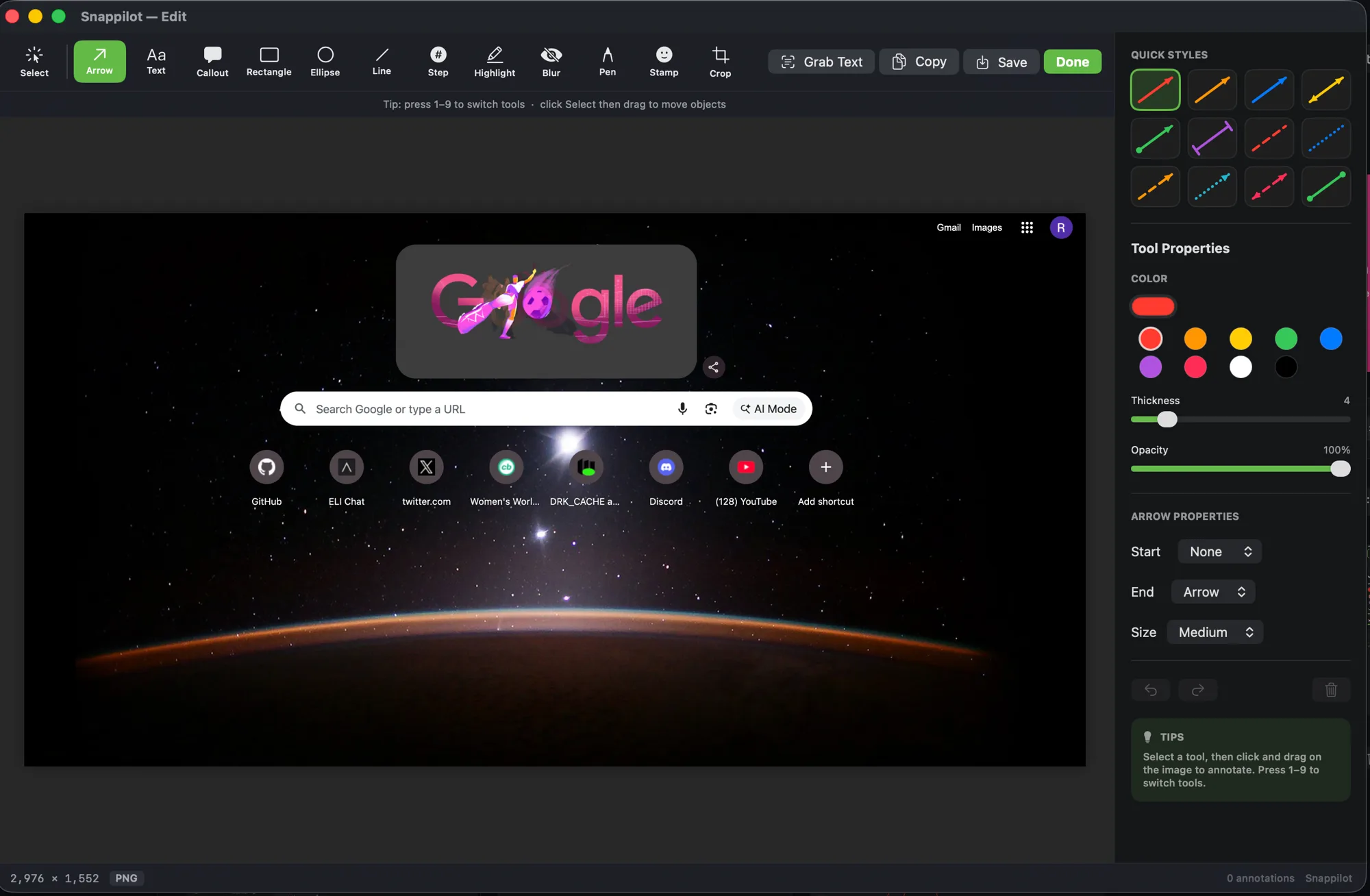
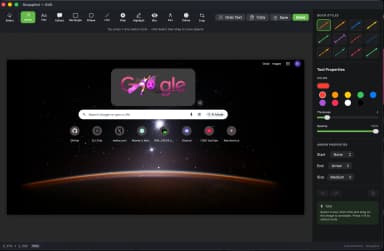
Arrows & calloutsStep badgesBlur & redactionQuick StylesNon-destructive layersCrop & stamps
Annotation Editor
Snappilot annotation editor
Share feedback here
1
Native screen recording

Show it. Explain it. Ship it.

Record smooth HEVC video with system audio, your microphone, camera, and real-time drawing tools.

System audioMicrophoneWebcam overlayCursor effectsDraw while recordingGIF export
R
00:42
Meeting Mode

Turn conversations into momentum.

Record, transcribe, summarize, and create action items—without sending a single word to the cloud.

Live transcript LIVE
R

YouLet’s ship the new onboarding by Friday.

M

MayaI’ll finish the release checklist today.

Meeting summary

Launch readiness

Team aligned on Friday’s onboarding release and finalized ownership.

3 key points2 decisions
Action items

Finish release checklistMaya · Today

Review onboarding copyYou · Thursday

Your meetings never leave your Mac.
More than capture

Your work stays connected.

Move from a captured thought to a finished task without breaking focus.

Tasks

A calm path from to-do to done.

A Linear-inspired board with priorities, labels, due dates, subtasks, and Apple Reminders export.

To do1Review launch copySNAP-04
In progress2Polish onboardingSNAP-05Release v1.0SNAP-06
Done3Release v1.0Complete
Markdown notes

Write freely. See it beautifully.

A focused editor and live preview, side by side.

launch-notes.md# Launch notes Everything we need for the **release**. - [x] Final capture flow - [ ] Publish docs

Launch notes

Everything we need for the release.

✓ Final capture flow
□ Publish docs
Local library + OCR

Find the text inside any capture.

onboarding⌘K
Capture resultonboardingCapture resultonboarding
2 captures found instantly · processed locally
On-device
by design
Vision OCRLocal filesYour recordings
Privacy is the architecture

Your screen belongs to you.

No account. No telemetry. No cloud storage. Snappilot uses Apple frameworks to process screenshots, audio, OCR, and recordings entirely on your device.

No account requiredCaptures never uploadedLocal Apple Vision OCRNo third-party processingNo telemetry or trackingRecordings stay on your Mac
Native from the first line

Feels like it belongs on your Mac.

Built with Swift 6, SwiftUI, AppKit, ScreenCaptureKit, Apple Vision, and HEVC—not Electron.

InstantNative startup
SystemmacOS behavior
⌘ ⇧ 1
RetinaPixel-perfect output
Swift 6No web wrapperimport SwiftUI
Stay in flow

Everything, one shortcut away.

Hover a shortcut to press the keys.

shipiit /snappilot
View repository
Open source, always

Built in the open.
Better together.

Snappilot is MIT licensed and free forever. Inspect every line, contribute a feature, or make it your own.

MIT licenseSwift native100% transparent

Capture smarter.
Keep everything private.

Free, open source, and built natively for macOS 14 and later.

1Download the DMG2Drag to Applications3Open Snappilot4Allow permissions